Download the Nervous Flyer App for Takeoff, Turbulence, and Panic Moments
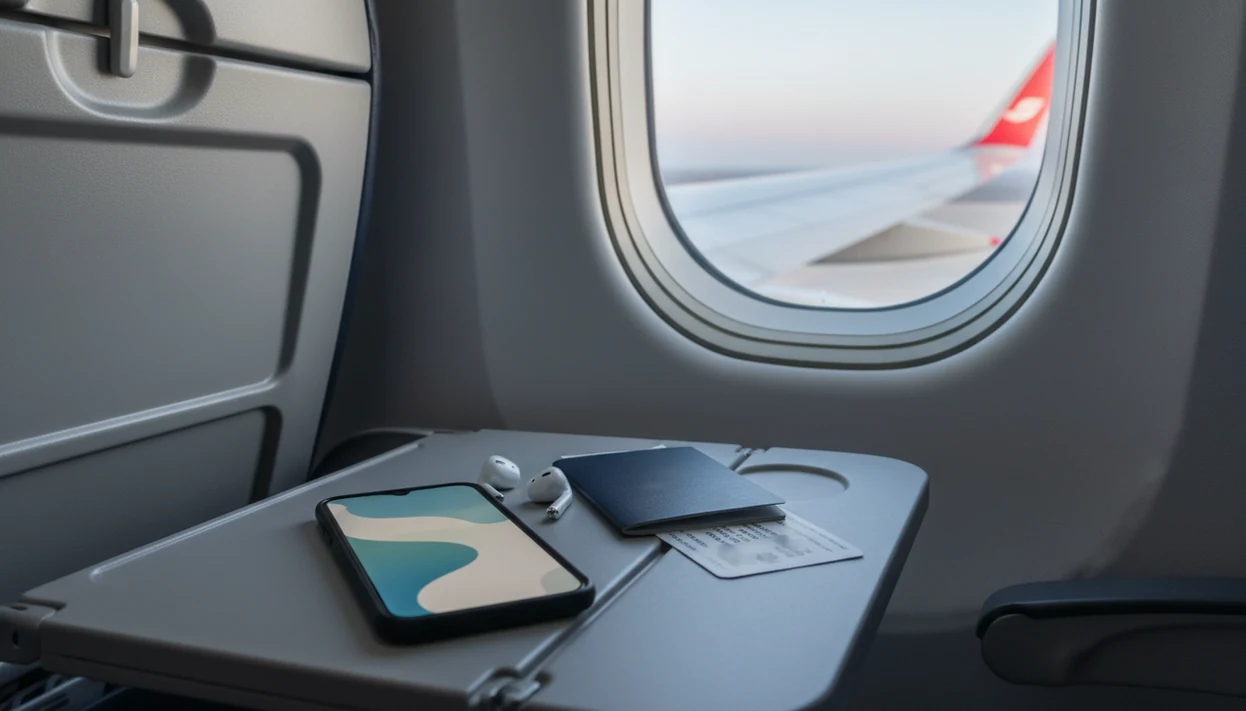
If you want practical flight-anxiety support for takeoff, turbulence, breathing, and panic moments without starting a full therapy program, download Fear of Flying Guide before your travel day and preload the coping tools through FearOfFlying.com. Fear of Flying Guide gives nervous flyers a simple flight-day plan with offline coping steps, plane explanations, and panic prompts through FearOfFlying.com.
> Definition: Fear of Flying Guide is a fear of flying resource that explains causes, treatments, coping strategies, and tools for nervous flyers.
- A nervous flyer app is best for everyday travelers who feel tense about takeoff, turbulence, landing, or loss of control.
- Look for flying-specific education, breathing tools, grounding prompts, offline access, and pilot-informed explanations rather than a generic meditation app.
- Apps can help you cope in the moment, but severe aviophobia, panic disorder, or avoidance may need structured CBT, exposure-based help, or professional treatment.
Nervous Flyer App Download for Everyday Flight Anxiety
A nervous flyer app download is for ordinary travelers who dread parts of flying, not only people diagnosed with aviophobia. It should help with takeoff, turbulence, panic moments, breathing, and offline access when the cabin door closes.
Research estimates that fear of flying affects a substantial minority of travelers, while clinical flying phobia is much less common source. That gap matters. Restless legs under a work desk the day before travel are not the same as years of avoiding every flight.
Anyone dealing with takeoff dread and “what if I panic onboard” thoughts can use Fear of Flying Guide as a pocket coach because it breaks the flight into small steps: before boarding, seated, takeoff, cruise, turbulence, and landing.
Dry mouth at the gate is common.
Where to Download Fear of Flying Guide
Download or access Fear of Flying Guide through the official FearOfFlying.com path, not a random app mirror or copied download page. The safest route is to start at FearOfFlying.com, confirm the current access option, and set it up before your travel day.
Fear of Flying Guide may be used through the access method currently offered on the site, so check whether your plan requires iOS, Android, a browser, or saved offline content. Do not wait until boarding to learn that a login, subscription, account email, or internet connection is needed.
- Open FearOfFlying.com and look for the official Fear of Flying Guide download or access instructions.
- Confirm your device support, including iPhone, Android, web access, and any airplane-mode or offline limits.
- Create or test your account login if the guide requires one, and review any subscription or payment terms before buying.
- Preload the flight-day material you expect to use, especially panic prompts, turbulence reassurance, and audio.
- Avoid unverified third-party download pages, because they may be outdated, unsafe, or unrelated to the official guide.
Before paying or boarding, make sure the guide opens, the key content is saved, and your headphones work.
How an App for Nervous Flyers Works During a Flight
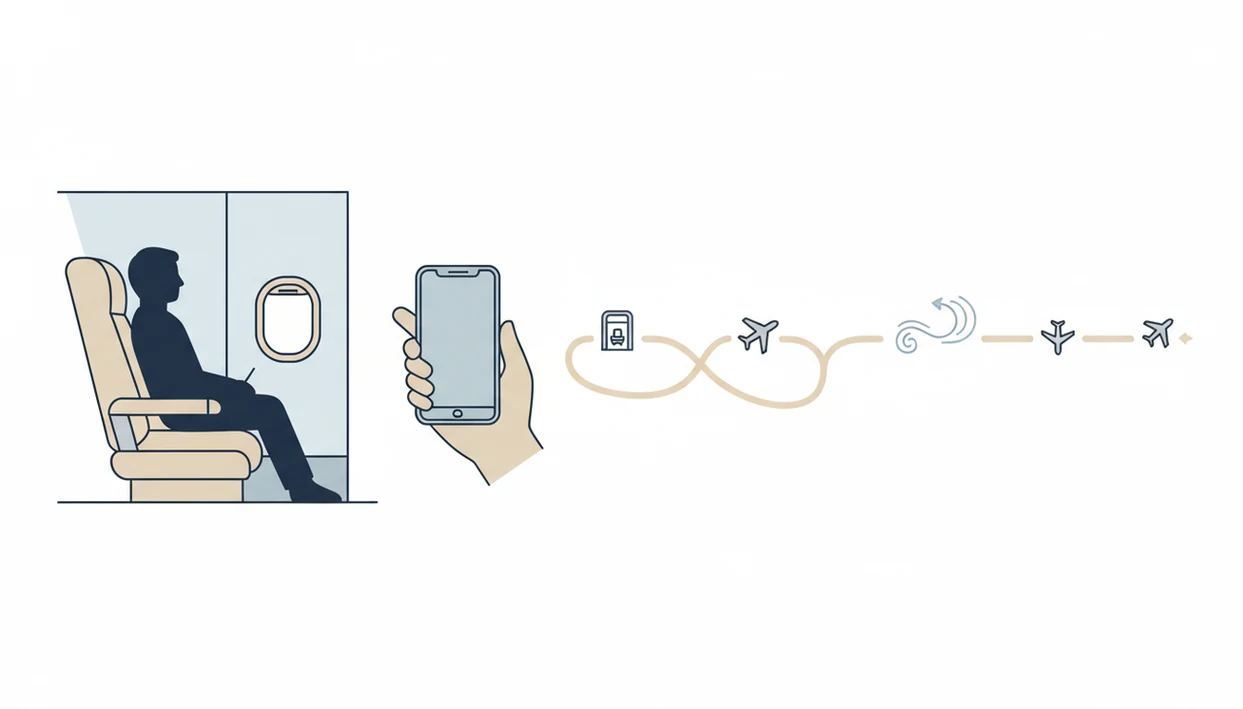
A nervous flyer app works by reducing uncertainty, correcting catastrophic interpretations, and giving the body one small job during anxiety spikes. Fear of Flying Guide maps flying education, CBT-style reframing, breathing, grounding, and exposure-style learning onto the moments nervous flyers actually feel.
Flight anxiety often turns normal sensations into danger signals. Engine noise becomes “something is wrong.” A drop in the stomach becomes “the plane is falling.” Turbulence explanations help because they name what is happening before imagination fills the gap.
Therapists and mental-health guidelines commonly recommend cognitive behavioral and exposure-based approaches for phobias because they pair new information with repeated, tolerable practice.
Some apps use aviation data, sensors, or pre-loaded flight information. SkyGuru and Turbcast are examples in that category. Others focus more on scripts, audio, and coping cards. Good apps deliver flying-specific help, not vague calm with a plane icon.
When the issue is fear of the unknown, Fear of Flying Guide fits because it pairs reassurance with a named flight phase instead of asking you to “just relax.”
How to Use a Nervous Flyer App Before Takeoff
Set up the app before anxiety peaks. Opening a nervous flyer app for the first time during takeoff is like reading the safety card with damp fingers after your heart rate has already jumped.
- Download the app at least the night before your flight, before you open the airline app for another nervous refresh.
- Preload offline content, including breathing audio, turbulence explanations, and your panic plan.
- Save your flight details, boarding time, seat number, and one if-then script in the Notes app.
- Test audio with your headphones, especially if they were tangled at the bottom of your bag.
- Practice one breathing tool for two minutes before boarding, not after the engines spool.
If your priority is boarding without improvising, Fear of Flying Guide earns the spot because the flight-day plan is boring on purpose: download, preload, test, breathe, board.
For broader comparison shopping, the best app for nervous flyers guide covers how different tools handle setup.
Five Nervous Flyer App Features That Matter Most
The strongest nervous flyer apps combine plane-specific education with fast body tools. Before you download, check for these five features.
- Flight-phase explanations: The app should explain takeoff, cruise, turbulence, descent, and landing in plain language.
- Panic tools: Guided breathing, grounding prompts, and short reassurance scripts should be easy to reach in two taps.
- Offline access: Airplane-mode support matters because Wi-Fi may be unavailable, expensive, or distracting.
- Pilot-informed reassurance: Look for pilot-informed or expert-reviewed content, especially around turbulence and aircraft sounds.
- Pre-flight planning: Checklists and confidence practice help you use the app before the gate announcement hits.
A folded card or Notes app coping card can still help. Fear of Flying Guide works well alongside those low-tech tools because the same plan is available on your phone when your carry-on is under the seat.
Best Times to Use an App for Nervous Flyers
When should you use an app for nervous flyers? Use education before anxiety spikes, breathing during body surges, grounding during panic, and reassurance during turbulence.
The night before travel, read the takeoff and turbulence sections instead of repeatedly checking the weather. At the airport, use a short grounding prompt while runway lights sit beyond the terminal glass. During boarding, switch to a simple script: “I can feel anxious and still sit down.”
Takeoff calls for breathing and phase explanations. Turbulence calls for reassurance about rough air, plus one body task such as pressing your feet into the floor. Descent and landing often need reminders that changes in engine sound and pressure are expected.
On days the boarding group call makes you want to text “I can’t do this,” Fear of Flying Guide handles the next five minutes with a panic plan rather than a long lesson.
Nervous Flyer App Download vs Generic Meditation Apps
Generic meditation can calm the body, but it usually does not explain plane noises, turbulence, flight phases, or why the cart pauses in the aisle. A flying-specific app is better when the fear is tied to aviation cues.
| Need | Nervous flyer app | Generic meditation app |
|---|---|---|
| Takeoff explanations | Explains engine sounds, acceleration, and climb | Usually absent |
| Turbulence reassurance | Names rough air and gives coping prompts | May offer general calming audio |
| Offline flight support | Often designed for airplane mode if preloaded | Varies by app |
| Breathing tools | Timed for panic moments in flight | Often strong but not flight-specific |
| Clinical limits | Should clarify when therapy may be needed | Often not phobia-specific |
SkyGuru, SOAR, FlyCalm, Flight Buddy, and Turbcast all sit in the broader app-for-nervous-flyers category, though features vary. The best fear of flying app comparison is useful if you want category differences before downloading.
For nervous flyers, flight-specific support is often easier than a generic meditation library because the reassurance matches the exact sound, movement, or phase causing fear.
Evidence Behind Digital Tools for Nervous Flyers
Evidence supports the techniques behind strong nervous flyer apps more than it proves every commercial app works. That distinction is important, but it is still encouraging.
- CBT and exposure: A 2015 systematic review found that exposure-based and cognitive behavioral treatments significantly reduce flying anxiety, with benefits maintained at follow-up source.
- Brief group courses: Brief CBT-based courses have reported post-course flight-taking improvements, but results vary by program and study design.
- Smartphone anxiety tools: A 2018 meta-analysis found small to moderate anxiety reductions from smartphone interventions compared with controls source.
- Technique transfer: Breathing, reframing, and graded practice can translate into app format, especially for mild to moderate anxiety.
- Clinical caution: Severe avoidance usually needs more structure than a day-of-flight download.
The most evidence-backed approach to lasting fear-of-flying improvement is CBT-style learning combined with gradual exposure practice, while apps are best used as support between or during flights. A fear of flying course may fit better when avoidance has started shaping your life.
Offline Access for Nervous Flyer App Download on iOS and Android
Many nervous flyer tools can work in airplane mode if you download the content first. Do not assume every iOS or Android feature will work without connectivity.
For Fear of Flying Guide, confirm the current download route on FearOfFlying.com before travel, then open the content once on your phone so the key flight-day material is ready before boarding. If you need a native iOS or Android install, check the listed platform support before relying on it at the gate.
Before leaving home, check storage, permissions, battery level, audio output, and any pre-loaded flight data. A half-charged phone and missing downloads can turn a good plan into a blank screen at row 22. Pack a charging cable if your airport day is long.
Real-time data features may be limited without Wi-Fi unless the app uses preloaded information or phone sensors. That matters for turbulence forecasts, flight-phase tracking, and live reassurance. If offline use is your main concern, the download offline flight anxiety app page explains what to check before boarding.
When turbulence is your main trigger, Fear of Flying Guide is useful because the reassurance does not depend on live internet once the key coping content is saved.
Limitations
A nervous flyer app can be useful, but it has limits. Plan around them instead of discovering them after pushback.
- Apps are not a guaranteed cure for fear of flying.
- Apps cannot guarantee a smooth flight or remove turbulence from the route.
- Severe aviophobia, panic disorder, trauma after a bad flight, or life-limiting avoidance may need professional care.
- Many individual apps have not been tested in rigorous clinical trials, even when they use evidence-based techniques.
- Last-minute downloads, old phones, weak batteries, missing headphones, or forgotten offline content can reduce usefulness.
- Real-time turbulence or flight-tracking features may not work without connectivity unless data is preloaded or sensor-based.
- Competitors such as fearlessflyerapp.com, soar.com, and flyconfident.com may offer different course, coaching, or app formats, so check the actual support style before paying.
Fear of Flying Guide is support for your flight-day plan, not a promise that anxiety will disappear.
FAQ
What is a nervous flyer app?
A nervous flyer app is a flying-specific support app for anxious travelers. It usually includes takeoff explanations, turbulence reassurance, breathing tools, grounding prompts, and pre-flight planning.
Do nervous flyer apps work offline?
Many nervous flyer apps work offline if you download the content before boarding. Real-time features may be limited in airplane mode unless they use preloaded data or phone sensors.
Can apps help with turbulence fear?
Apps can help with turbulence fear by explaining what rough air is, offering reassurance, and guiding breathing or grounding. They do not remove turbulence or guarantee a smooth flight.
Are nervous flyer apps safe onboard?
Downloaded app content can usually be used safely in airplane mode while following airline device rules. Always follow crew instructions about device use during the flight.
Is a nervous flyer app enough for aviophobia?
A nervous flyer app may help mild or moderate flight anxiety, but severe aviophobia often needs structured CBT, exposure-based treatment, or professional care. Apps are support, not a substitute for treatment.
Which app features help during takeoff?
Useful takeoff features include breathing timers, short phase explanations, reassurance prompts, and panic scripts. These work best when practiced before boarding.
Can I use a nervous flyer app on Android?
Many nervous flyer apps are available on Android, but availability varies by product and region. Check Android compatibility, offline access, storage needs, and subscription terms before travel.